Maximizing NVMe SSD Performance
Published on March 28, 2026 | category: Hardware Tuning
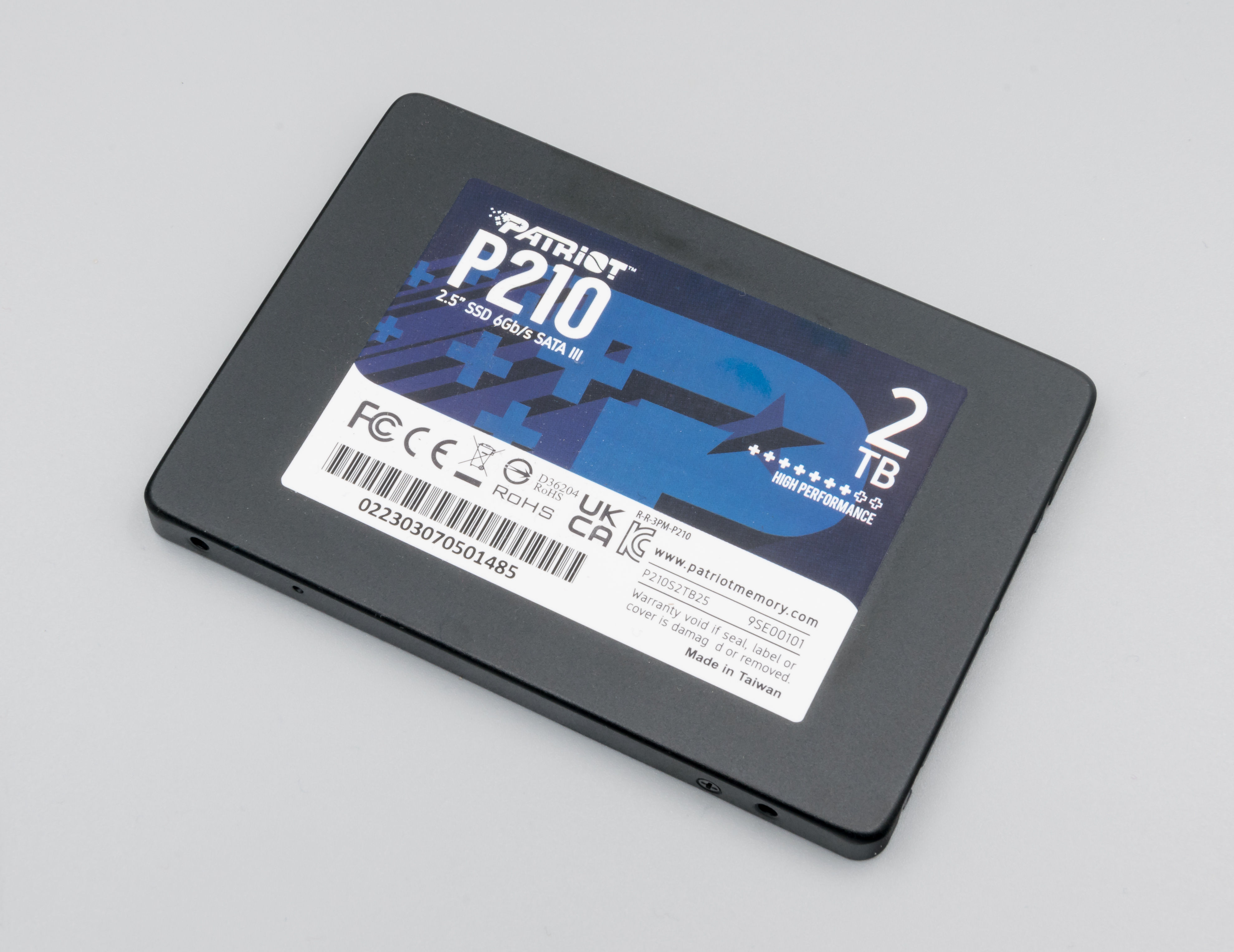
The Evolution of Storage
Gone are the days of mechanical hard disk drives (HDDs) spinning platters at 7200 RPM. Modern PCIe Gen 4 and Gen 5 NVMe solid-state drives are capable of moving gigabytes of data per second with virtually zero seek time. However, Windows as an operating system still carries legacy code originally designed to babysit those old physical disks. Leaving these features enabled on a modern SSD can actively degrade performance.
The Case Against Superfetch (SysMain)
The SysMain service, previously known as Superfetch, is designed to analyze your usage patterns over time and preemptively load frequently used applications into your system's RAM. On an HDD, this was revolutionary because pulling data from RAM is immensely faster than waiting for a mechanical disk to seek. On an NVMe SSD, the disk reads data so incredibly fast that the overhead of SysMain analyzing and predicting your behavior is actually slower than just letting the SSD fetch the data organically. Furthermore, SysMain is notorious for causing "100% Disk Usage" bugs on boot. Disabling this service is highly recommended for any SSD-based system, freeing up RAM and eliminating background disk thrashing. Alkile's System Tweaks module automates this disablement.
Windows Search Indexer
Another relic of the past is the Windows Search Indexer. This service runs constantly in the background, cataloging the text inside documents and file properties so that when you press the Start button and type, results appear instantly. While useful, it means your SSD is experiencing constant micro-reads and writes while your PC is idling. With NVMe speeds, searching an unindexed directory is often still instantaneous. Power users frequently disable the Indexer entirely to protect their drive's TBW (Terabytes Written) lifespan and ensure game load times are never interrupted by a background indexing scan.
Defragmentation is Dead; Long Live TRIM
Never, under any circumstances, run a traditional "Defragment" operation on an SSD. Defragmentation physically organizes scattered data blocks so a mechanical reading head can access them in a straight line. SSDs have no moving parts, so fragmentation does not impact read speeds. Running a defrag simply burns through the drive's limited flash memory write cycles. Instead, Windows uses the 'TRIM' command to tell the SSD controller which blocks of data are no longer considered in use and can be wiped internally. Alkile ensures the TRIM command is properly scheduled and executing on optimal cadences without triggering legacy defragmentation routines.
DirectStorage: The Future of Gaming
Looking forward, Microsoft's DirectStorage API allows games to bypass the CPU entirely and stream graphical textures directly from the NVMe SSD into the GPU's VRAM. For this incredibly high-bandwidth transfer to work smoothly, the SSD must be free of background OS interference. Any background process tying up the PCIe lanes with telemetry logs or index scanning can introduce stutters into DirectStorage games. Utilizing a lightweight OS configuration through Alkile ensures your storage hierarchy is fully focused on delivering frames.
NAND Flash Degradation and Over-Provisioning
The core building block of an NVMe drive is NAND flash memory, which has a finite number of write cycles before the silicone cells permanently degrade (typically around 600 to 1200 Terabytes Written for a 1TB model). By disabling unnecessary logging services via Alkile, you functionally increase the lifespan of your drive by thousands of hours. Additionally, leaving 10% of your drive completely unallocated (Over-Provisioning) gives the SSD controller empty blocks to shuffle data into dynamically, preventing write-amplification delays when the drive approaches 90% capacity.